Shading Techniques in Blender
Free to teach as-is — the teacher guide, student handout, and slides are included.
Free — we'll email you an access link. Google Docs format.
Objective
I can apply shading techniques in Blender to create professional 3D textures.
Part 1 of 4
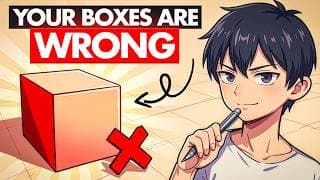
Warm-up video
Kaizen · 11:23
We don't generate video — this one is by Kaizen on YouTube. The practice questions and exit ticket below were drafted by AI for this objective, and every question is editable in the teacher guide.
Part 2 of 4
Key concepts
3 concepts
- 1
To create realistic 3D textures in Blender, you can use shading tricks such as curvature maps, edge masking, and ambient occlusion.
- 2
The Node Wrangler add-on in Blender is useful for quickly adding and controlling mapping and texture coordinate nodes, which can be enabled in preferences.
- 3
An ambient occlusion mask is a shading technique used to calculate how exposed certain areas of a mesh are to ambient lighting; less exposed areas are darker, and more exposed areas are lighter.
Part 3 of 4
Practice
7 questions
Name three shading tricks, mentioned in the video, that are used to create realistic 3D textures.
What is the purpose of enabling the Node Wrangler add-on in Blender, as demonstrated in the video?
Part 4 of 4
Exit ticket
Quick comprehension check
“In Blender, describe the process of creating a curvature map using the Geometry node and Color Ramp, including how to add variation to the map.”
Sample answer included in the free materials
Get the materials
Teacher guide, student handout, and slides — free, in Google Docs format
Teacher Guide
Complete lesson plan with answer keys and alternate activities
Student Handout
Printable worksheet
Slides
Ready to present
We'll ask for your email to send your access link — nothing else.
Teaching a group at a different level?
Where are your students right now? We'll rebuild this lesson to match — including the teacher guide, student handout, and slides, saved to your Google Drive.
Adapt This Lesson